User manual
Privacy, security and FAQ
How your information is protected, and answers to common questions.
How your information is protected
- Reports are only visible to the people handling them. Safeguarding, data-breach and restricted reports are limited to staff authorised for sensitive cases.
- If you report anonymously, staff names are never shown to you, and you are not asked to sign in.
- Reporters see their own account and the progress of their report, not internal investigation notes.
- Changes to status, routing and roles are recorded with who made them and when.
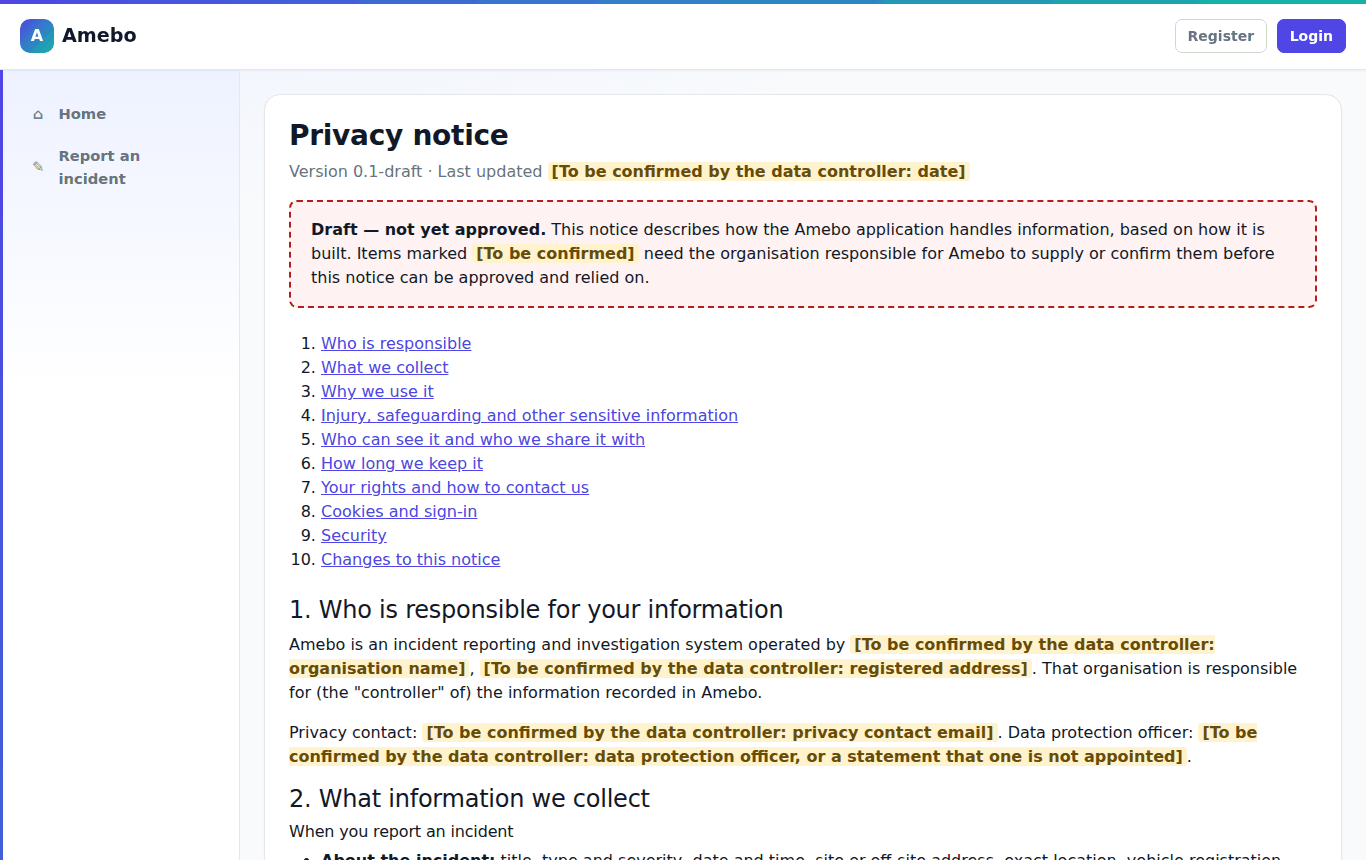
The privacy notice explains who is responsible for your information and how long it is kept.
Frequently asked questions
- I opened a link and AMEBO says "not found".
- Either the report does not exist or you are not allowed to see it — AMEBO does not say which. If you think you should have access, ask your Case Manager or an Admin.
- Can I change a report after submitting it?
- No. Contact the team handling it, quoting the reference number, and they can add the information to the case.
- I lost my reference number.
- If you gave an email address it is in your receipt. Signed-in reporters can find it under Incident register → My reports.
- The form will not let me move on.
- Read the red "There is a problem" box at the top of the section — it lists each issue and links to the field.
- There is a limit on how many people / products / actions I can add.
- The limit is shown next to each list. If you need more, summarise the rest in the free-text description.
- My file will not upload.
- Only PDF, JPG, PNG, TXT and DOCX files up to 10 MB each are accepted.
- I can't sign in.
- Wait 15 minutes if you entered a wrong password 5 times, or use Forgot your password. If your account was deactivated, contact an Admin.